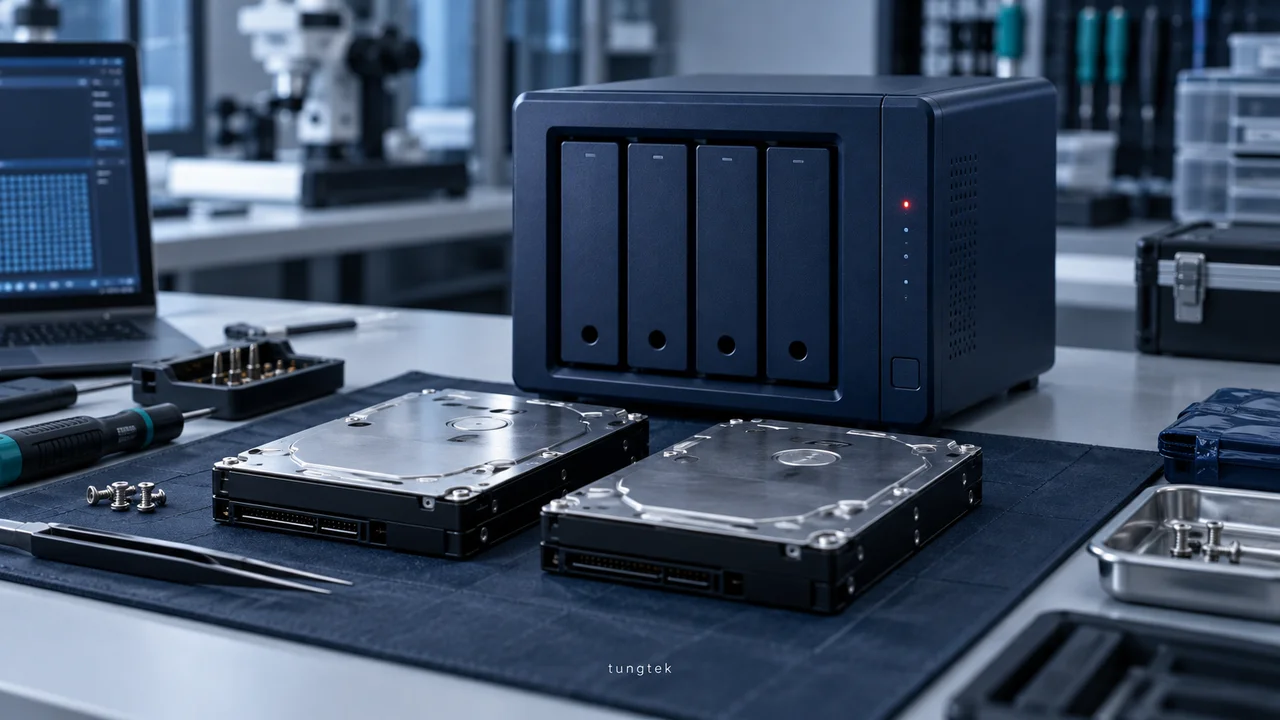
Ransomware response: isolate, preserve and choose a recovery route
No Ransomware checklist: control connections, preserve evidence, assess backups and RFC for SQL, NAS, RAID, ESXi and Hyper-V before recovery.
Updated: · Vietnam time (UTC+7)
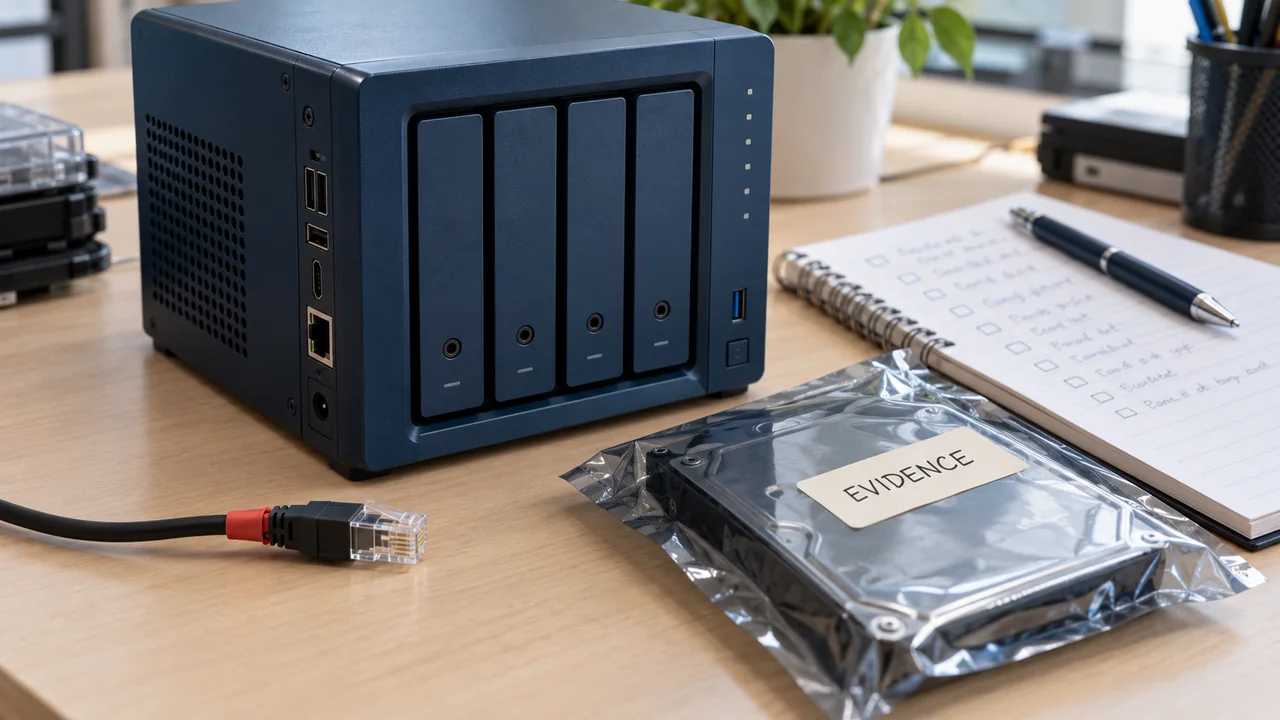
Guidance compiled from No.Ransomware.VN and CISA/NIST. Owners must adapt steps to actual systems and authorized scope.
Sources are No.Ransomware.VN response and Recovery content without standalone article publication dates. The displayed date is editing into independent guidance.
Record conditions before irreversible changes
Isolate connections under the response procedure to limit spread. Power-off decisions must consider ongoing damage and volatile evidence such as memory; record reasons and operators. Do not format, reset NAS, rebuild RAID or restore over sources before preservation.
Create working copies and assess by data type
- NAS / RAID: record drive order, array metadata, device logs and configuration; analyze appropriate copies.
- SQL: preserve MDF, NDF, LDF, backup chains and application logs; extracting a few tables does not prove whole-database consistency.
- ESXi / Hyper-V: preserve virtual disks and entire snapshot/checkpoint chains; check dependencies before booting.
- RFC — Ransomware Fast Check: record tested samples, methods, damage and limits; a sample percentage is not a guarantee for every file.
Restore in a clean environment
Review access paths, accounts and privileges. Select unaffected copies using an evidenced timeline. Restore in isolation, test applications and measure RPO/RTO before reconnecting. Log decisions so others can review them.
During an incident
Stay calm and preserve recovery opportunities
First limit spread, preserve evidence and avoid overwrites. Do not rush to format, rebuild RAID/NAS, clean up or restore over originals.
Isolate
- Disconnect LAN/Wi-Fi on suspected devices.
- Suspend VPN, synchronization and suspected compromised accounts.
- Do not delete files, reset NAS or reinitialize RAID.
Record
- Capture ransom screens and error messages.
- Record times, devices, accounts and unfamiliar extensions.
- Preserve logs, ransom notes and small samples.
Assess
- Scope affected servers, NAS, cloud and backups.
- Create working copies before testing recovery tools.
- Prioritize service restoration by business needs.
TUNGTEK Ransomware Recovery
Need a condition assessment before intervention?
Support for identification, impact assessment and an extraction approach appropriate to NAS, RAID, servers, Hyper-V/VMware and storage devices.
Sources
Each source's scope and date are recorded separately when available. A citation does not independently verify every assessment.
Update history
· Consolidated from No.Ransomware.VN, preserving technical content, images and provenance. Links, metadata and verification scope standardized.
Corrections policy