Understanding ransomware: from changed extensions to operational risk
No Ransomware knowledge for SMEs: encryption, data theft, decryptors, RAID and backups. Read indicators in context and avoid evidence-destroying reactions.
Updated: · Vietnam time (UTC+7)

Edited from No.Ransomware.VN knowledge and FAQs. Defensive guidance, not confirmation of an attack.
Sources are knowledge passages on No.Ransomware.VN's homepage, without separate publication dates. The article date is its editing into a standalone Ransomware.VN article.
Read indicators before naming a family
Changed extensions, application errors or ransom notes are indicators to record. They do not establish a family or prove all data is encrypted. Separate observations, accounts and conclusions; analyze copies.
What should SMEs prepare?
- Record system owners and incident reporting channels.
- Inventory NAS, SQL, VMs, administrator accounts and remote-access paths.
- Keep copies with separate privileges, test restores and locate encryption keys.
- Practice evidence-based incident reporting; do not open suspected files or samples on working machines.
Understand in two minutes
Ransomware is more than locked files
Modern attacks often begin silently before a ransom screen appears. Attackers may steal data, compromise administrators and destroy backups before encrypting.
Initial access
Phishing, weak passwords, VPN/RDP or unpatched software.
Persistence
Discovering systems, gaining administrator privileges and enabling lateral movement.
Undermining recovery
Finding backups, snapshots and accounts that can delete copies.
Encryption & extortion
Disrupting operations and threatening disclosure of stolen data.
A small business is not a small target
Accounting PCs, customer data, NAS, ERP and email can each become a point that halts operations.
Common misconceptions
Does a public decryptor guarantee data recovery?
No. Support depends on family, variant and sometimes keys. Identify first and test on copies, not originals.
Is NAS or RAID a backup?
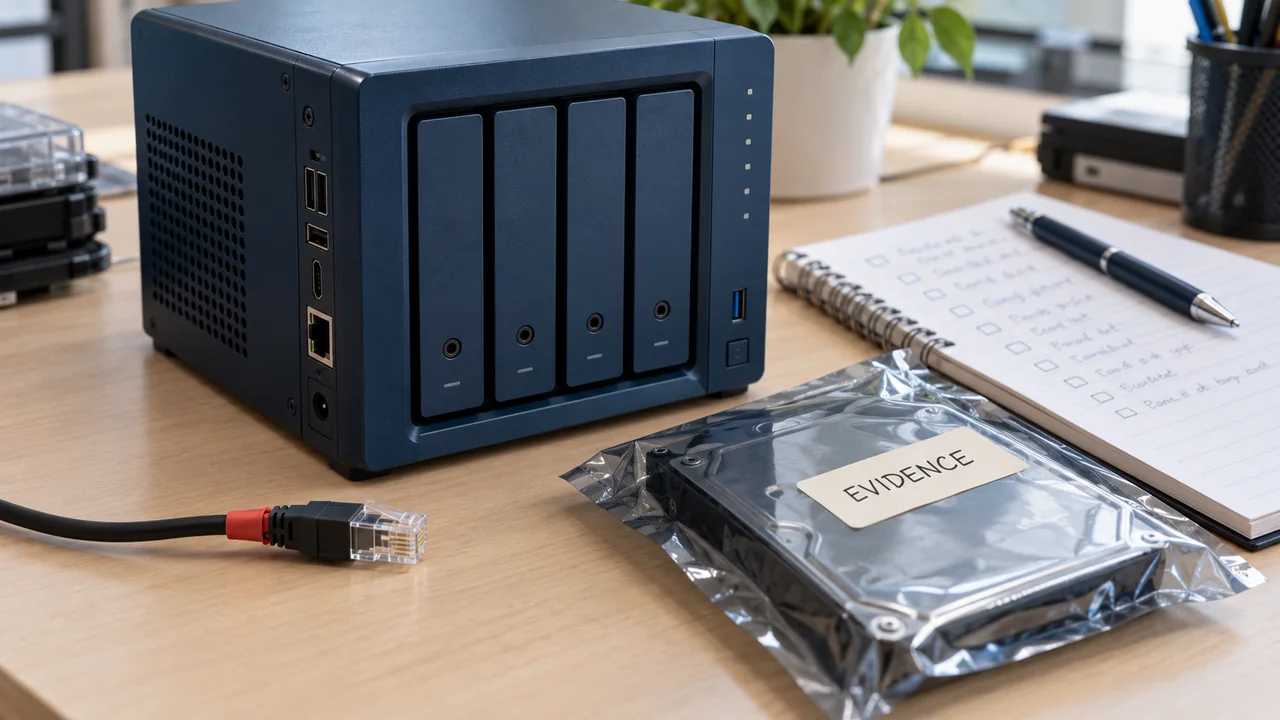
Not automatically. RAID tolerates supported drive failures, but data can still be encrypted, mistakenly deleted or destroyed by attackers. Maintain independent copies, separate accounts and an offline/immutable layer.
Should a ransomware-affected machine be formatted or reinstalled immediately?
No. Formatting, RAID rebuilding, NAS resets, log cleanup or additional writes may destroy artifacts and reduce extraction prospects. Isolate the network, preserve state and create working copies first.
Is a successful daily backup enough?
No. Test actual recovery, review error logs, protect administrator accounts and maintain at least one copy that operating systems cannot alter or delete.
Sources
Each source's scope and date are recorded separately when available. A citation does not independently verify every assessment.
Update history
· Consolidated from No.Ransomware.VN, preserving technical content, images and provenance. Links, metadata and verification scope standardized.
Corrections policy