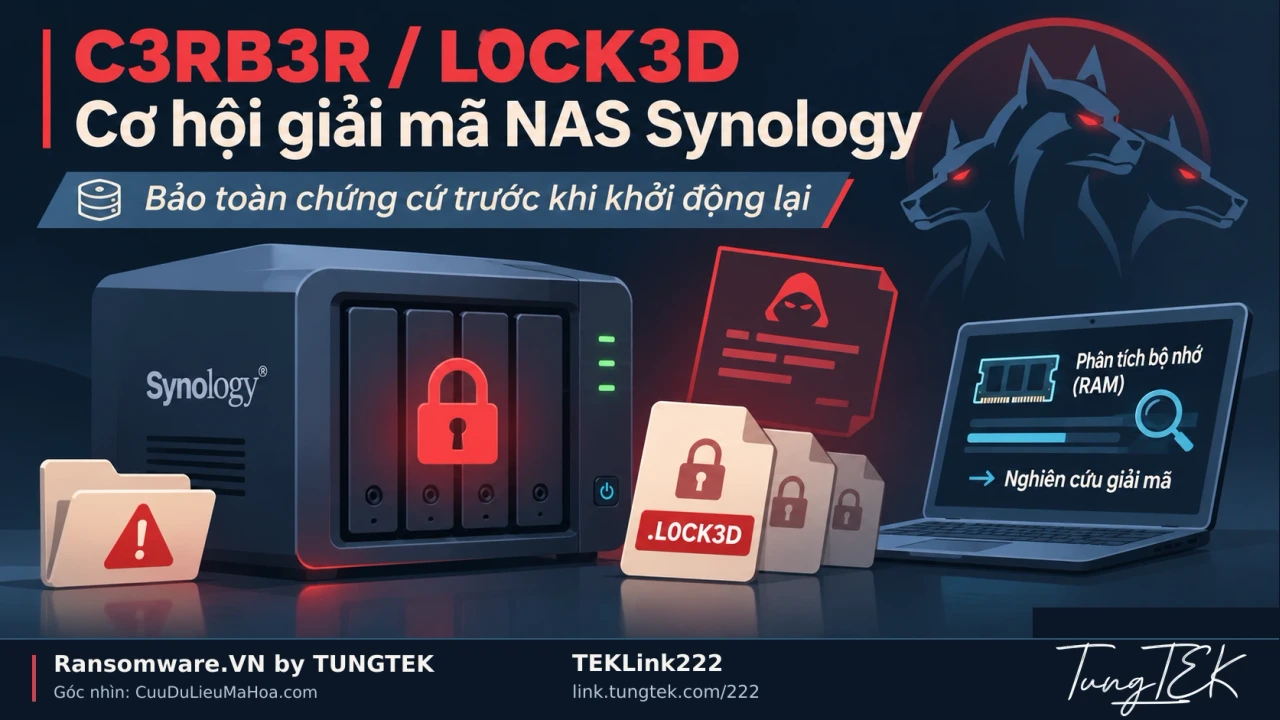

Plan backups before ransomware strikes — VIET NAM Backup Day 30.11
Protect NAS, servers, virtual machines and SQL with independent backups and tested recovery. Share experience in the VIET NAM Backup Day 30.11 community.
Updated: · Vietnam time (UTC+7)
Technical guidance was checked against CISA, Veeam, Synology and Microsoft Learn on 3 November 2026. This is backup design and testing guidance; configurations require assessment on the actual systems.
TEKLink224 community blog, adapted with AI assistance from the article and artwork supplied by TUNGTEK. The Zalo invitation is separate from the technical references.
TEKLink224 · Community blog · VIET NAM Backup Day 30.11
If your NAS, servers and administrator accounts were compromised today, where would your latest clean backup be? Who could access it, and how long would it take to bring the application back online?
Answer these questions before ransomware arrives. Creating backups is the starting point; protecting independent copies and successfully restoring them demonstrates recovery capability.
Share practical backup and recovery experience.
Prepare before ransomware encrypts your NAS or servers
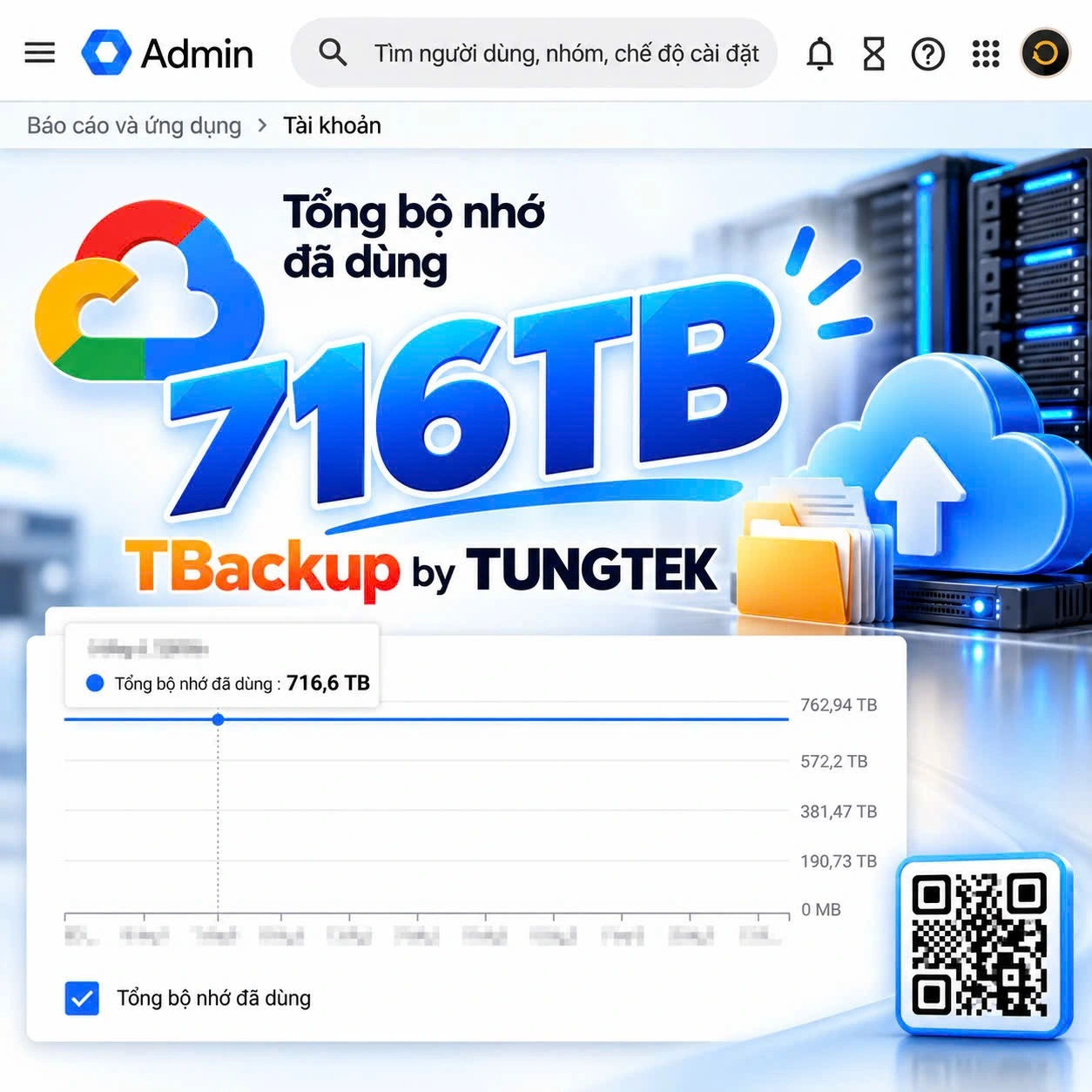
The illustration supplied by TUNGTEK shows 716.6 TB in use. It raises a practical question: when recovering a large dataset, which services need to return first to keep the business running? The number comes from the supplied artwork, rather than a measurement or audit by Ransomware.VN.
Business data may span Synology and QNAP NAS, Windows and Linux servers, VMware ESXi, Hyper-V, Microsoft SQL Server and cloud services. Accounting records, customer information, contracts, business applications and production databases can depend on this infrastructure.
Ransomware can disrupt both production data and recovery paths. With sufficient access, attackers can locate and delete accessible backups. Plan for compromised production administrator accounts as well as failed disks. [1]
RAID, snapshots and synchronization serve different purposes
These layers can complement each other. Understand the risks addressed by each before relying on it for ransomware recovery.
| Component | Main benefit | What to check |
|---|---|---|
| RAID 1/5/6/10 | Tolerates disk failures within the array configuration. | Encrypted changes can reach the whole array; retain independent backups. |
| Snapshots | Provide point-in-time states for fast rollback. | Ordinary snapshots may be deleted by an administrator; check protection and keep a copy outside the system. |
| NAS-to-NAS synchronization | Keeps data in two locations. | Encryption and deletions may propagate; retain historical versions and a retention policy. |
| An always-connected backup disk | Makes backup jobs convenient. | Source write access may expose backups too; separate privileges and retain an offline or immutable copy. |
Immutable snapshots add protection where supported and configured. Also account for device failure, site incidents, capacity and retention periods. [3]
Use 3-2-1-1-0 as a backup design framework
Adapt this framework to your data, budget and recovery requirements. [2]
| Principle | Implementation meaning |
|---|---|
| 3 copies | The production copy and at least two backups. |
| 2 media types | Two storage media types, such as disk and tape or another suitable storage layer. |
| 1 off-site copy | A copy at another location to reduce site-related risk. |
| 1 offline or immutable copy | Isolate a copy or prevent modification/deletion during its protection period; test effective privileges. |
| 0 unresolved errors | Verify integrity, test restoration and resolve identified failures. |
Zero is a verification target, rather than a guarantee against every incident. A successful job still needs validation using restored data and applications.
Protect Synology and QNAP NAS, including iSCSI LUNs
Combine scheduled snapshots, versioned backups and copies on independent systems. Inventory shared folders, configuration, iSCSI LUNs and virtual machine data; backing up shared folders may leave other components uncovered.
On Synology, immutable snapshots require supported DSM versions and models. Check the vendor documentation before choosing a design. For QNAP and other platforms, similarly check the model, operating system, filesystem and backup software rather than assuming feature parity. [3]
- Separate administration of the source NAS and backup destination; give backup jobs the minimum privileges needed.
- Retain recovery points long enough to preserve pre-incident versions; monitor capacity and failures.
- Test folder, LUN and application recovery in a separate environment before relying on it.
Protect servers, virtual machines and cloud data
Backups for Windows Server, Linux, VMware ESXi and Hyper-V should cover data, configuration and service dependencies. Use an appropriate consistency mechanism for running applications; copying files from a running virtual machine does not by itself establish application consistency.
Give backup infrastructure separate administration, strong authentication and a way to operate when production systems are unavailable. Protect configuration, catalogs and encryption keys needed for recovery. For cloud or object storage, check each service’s versioning, retention and deletion protection.
For tens or hundreds of terabytes, measure retrieval time, bandwidth and transfer costs. An off-site copy meets operational needs only when restoration fits the business’s acceptable interruption.
Plan Microsoft SQL Server backups
Directly copying MDF/LDF files from a running database does not replace a consistent backup process. Use SQL Server backups or an appropriate application-aware solution, then test restoration on a separate system.
Choose full and differential backup schedules for your data volume and recovery targets. Transaction log backups apply to the Full or Bulk-logged recovery models; Simple does not support them. Point-in-time recovery requires an appropriate recovery model and backup chain. [4] [5]
Restore the appropriate full backup, applicable differential backup and required logs in the correct order. A .bak file’s existence is insufficient: verify that the database can be restored and its application can use the data. [5]
A short recovery validation checklist
RPO describes acceptable data loss expressed as time; RTO is the target time to resume a service. Design backup schedules and restoration around these objectives, then measure them in an exercise.
- Select a critical system and identify its latest clean copy, location, owner and access method if production administration is compromised.
- Restore in a separate environment; check that files open, virtual machines boot and applications work with the necessary data.
- Measure actual restoration time and missing data against the agreed RPO and RTO.
- Test backup deletion/modification permissions, immutability periods and encryption key management.
- Alert on failed jobs, low capacity and missing new recovery points.
- Record failures, owners, remediation dates and retests; repeat exercises periodically and after significant changes.
If encryption happened now, where is the latest clean backup and how long would restoration take? Make the answer a tested result.
VIET NAM Backup Day 30.11 — share practical experience
TUNGTEK invites IT practitioners, system administrators, DBAs, security specialists, implementers and anyone interested in data protection to the VIET NAM Backup Day 30.11 group. The date 30.11 follows the community activity name in the materials supplied by TUNGTEK.
- Discuss backup and restore for Synology, QNAP, Asustor and other storage platforms.
- Share approaches for Windows Server, Linux, VMware ESXi, Hyper-V and SQL Server.
- Compare offline and immutable backups, air gaps, snapshots, object storage and cloud backup.
- Explore designs from a few terabytes to hundreds, including costs and operations.
- Share tools, deployment experience, incident lessons and recovery exercise results.
Newcomers and experienced administrators can both contribute. A specific question or a tested restoration can help another team prepare.
Join VIET NAM Backup Day 30.11
Open the Zalo group and join the discussion →

Learn to back up before losing data. Test restoration before a backup fails. Preparation gives a business more options when an incident occurs.
TBackup by TUNGTEK · IT | Backup | Data Recovery | Digital Resilience
Article ID: TEKLink224 · Link.TUNGTEK.com/224
Sources
Each source's scope and date are recorded separately when available. A citation does not independently verify every assessment.
Update history
· Published TEKLink224 in Vietnamese and English from TUNGTEK’s supplied DOCX; reviewed immutable snapshot prerequisites, SQL backups and restore testing; retained supplied artwork and Zalo QR.
Corrections policy